 No More DPI
System-wide DPI bypass for the sites you choose, on Windows. No VPN, and no proxy settings in each app.
Latest release: v1.0.0 · NoMoreDPI-1.0.0-setup.exe
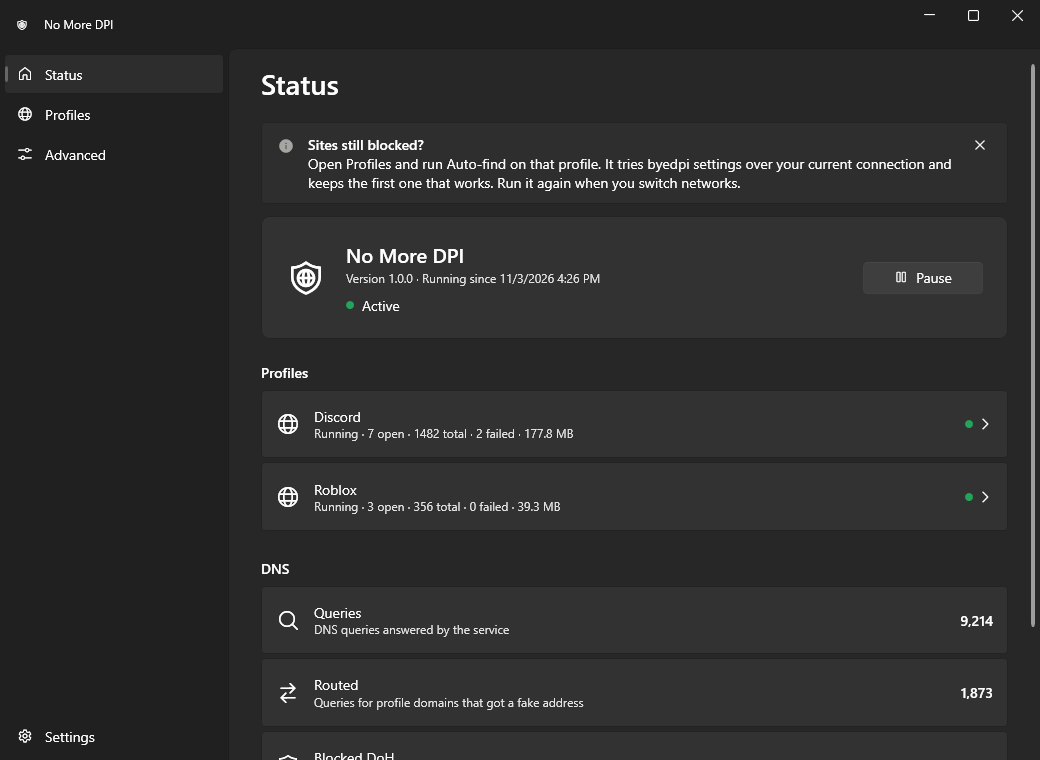
What it does
Some networks use deep packet inspection (DPI) to block or slow down particular sites, for example Discord or Roblox. You list domains; connections to them go through byedpi, which reshapes the start of the TLS connection so the DPI system no longer recognises it.
Per domain, not per app
The Discord app, your browser and Roblox all follow the same rule; subdomains are included.
Nothing else is touched
Only listed domains go through the bypass. Other traffic goes out directly, unchanged.
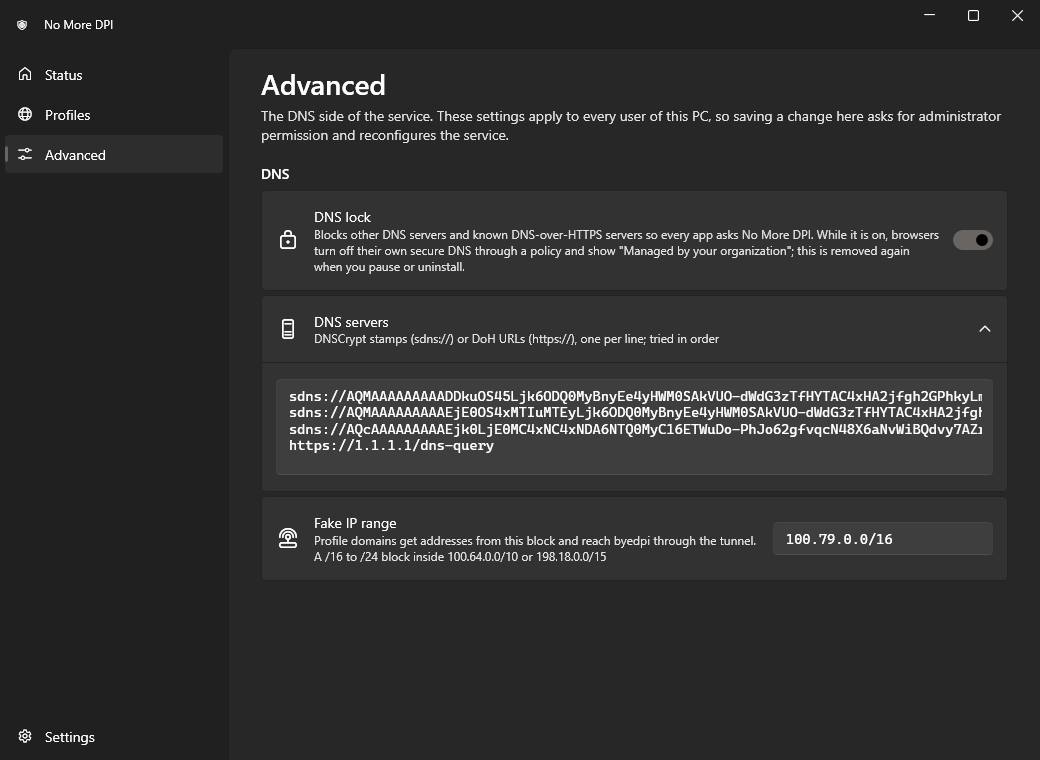
Encrypted DNS
Names are resolved over DNSCrypt or DNS-over-HTTPS, so your network cannot tamper with the answers.
Auto-find
One click tries known byedpi settings over your current connection and keeps the first one that works.
Fails open
If the service crashes or is stopped, your DNS goes back to what it was. Your internet does not go down with it.
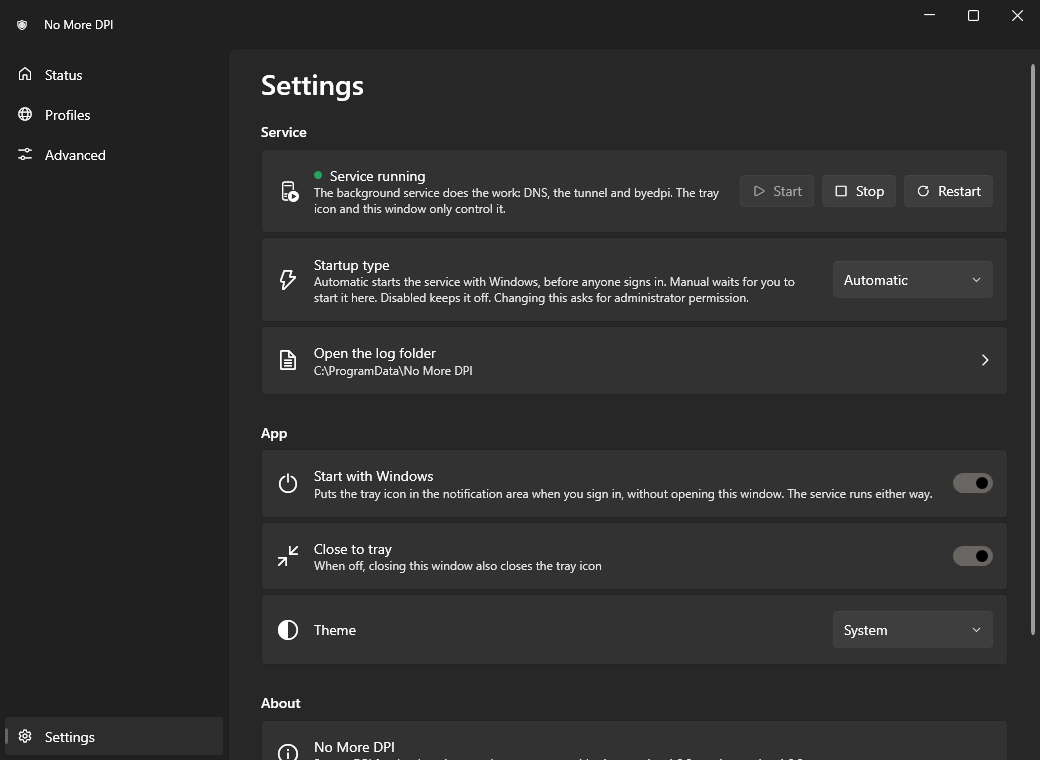
Tray app and service
A Windows service does the work; the tray icon and window only control it.
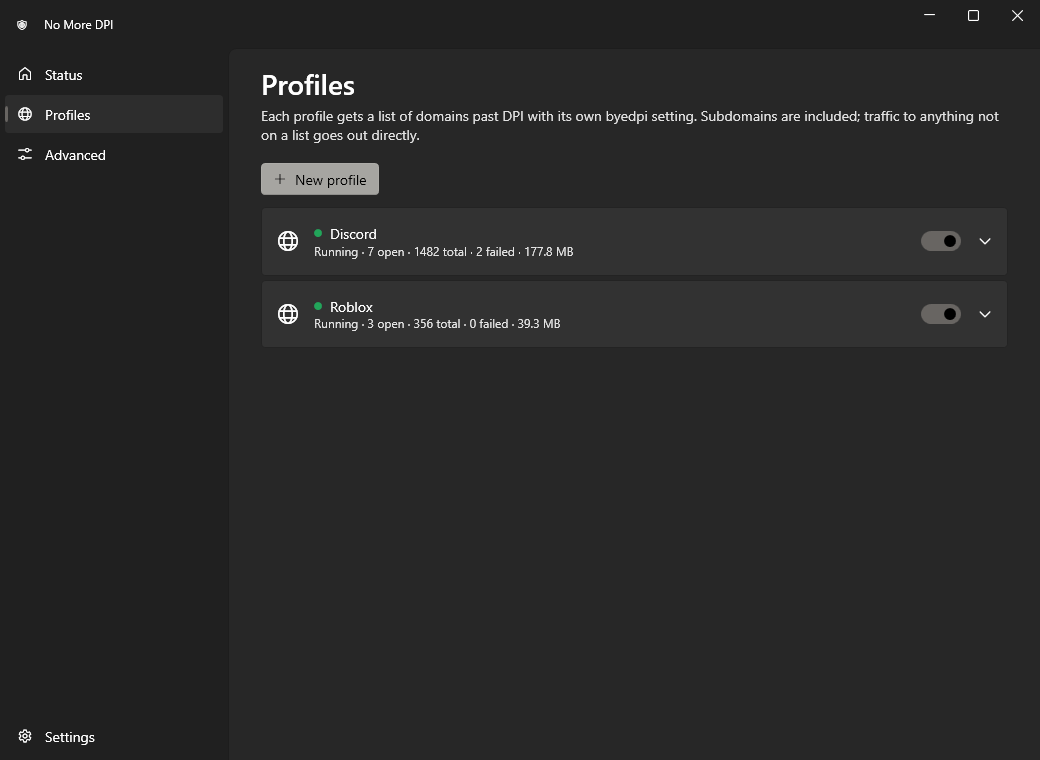
How it works
Names that belong to a profile get a fake address from a private block, which is the only thing routed into a virtual adapter. Everything else is answered and routed as before.
app ──DNS──▶ 127.0.0.1:53 (No More DPI)
  ├─ profile domain → fake address
  │   100.79.x.x (real IP resolved
  │   over encrypted DNS)
  └─ anything else  → the encrypted
      DNS answer, unchanged

app ──TCP──▶ 100.79.x.x
  ──▶ "No More DPI" adapter (Wintun)
  ──▶ that profile's byedpi
  ──▶ real IP
- The service points every network adapter that has a DNS server at its own resolver and resolves names over DNSCrypt or DoH.
- Profile names get an address from
100.79.0.0/16(default), routed only into a Wintun adapter. - Connections on the adapter go to that profile's byedpi process, which applies its tricks to the TLS handshake.
- For profile domains, QUIC is dropped so browsers fall back to TLS over TCP, and IPv6 answers are withheld.
Not a VPN and not an anonymity tool. Your network still sees which IP addresses you connect to. It does not help against blocking by IP address, and only TCP is sent through byedpi.
Setup
Install, and a green ring in the notification area means it is active.
- Download
NoMoreDPI-<version>-setup.exefrom Releases. Each release lists the file's SHA-256, which you can check withGet-FileHashin PowerShell. - Run it. Windows SmartScreen may say it "protected your PC" because the installer is not code-signed. Choose More info → Run anyway.
- Done. Discord and Roblox profiles are on. If a site still doesn't open, open Profiles and click Auto-find; do it again when you change networks.
Tray icon
Requirements
- Windows 10 version 1809 or later, or Windows 11, 64-bit (x64). No ARM64 build.
- Administrator rights to install, uninstall and change the machine-wide DNS settings.
- Nothing else: the .NET runtime is included in the app.
The DNS lock is on by default. While it is active, Chrome, Edge, Brave, Vivaldi, Opera and Firefox show "Managed by your organization"; everything is put back when you pause, turn off the lock or uninstall. Laws and network rules differ: you are responsible for making sure your use is allowed where you are.